The GetFTR Browser Extension:

Trusted access to scholarly content, everywhere you discover it

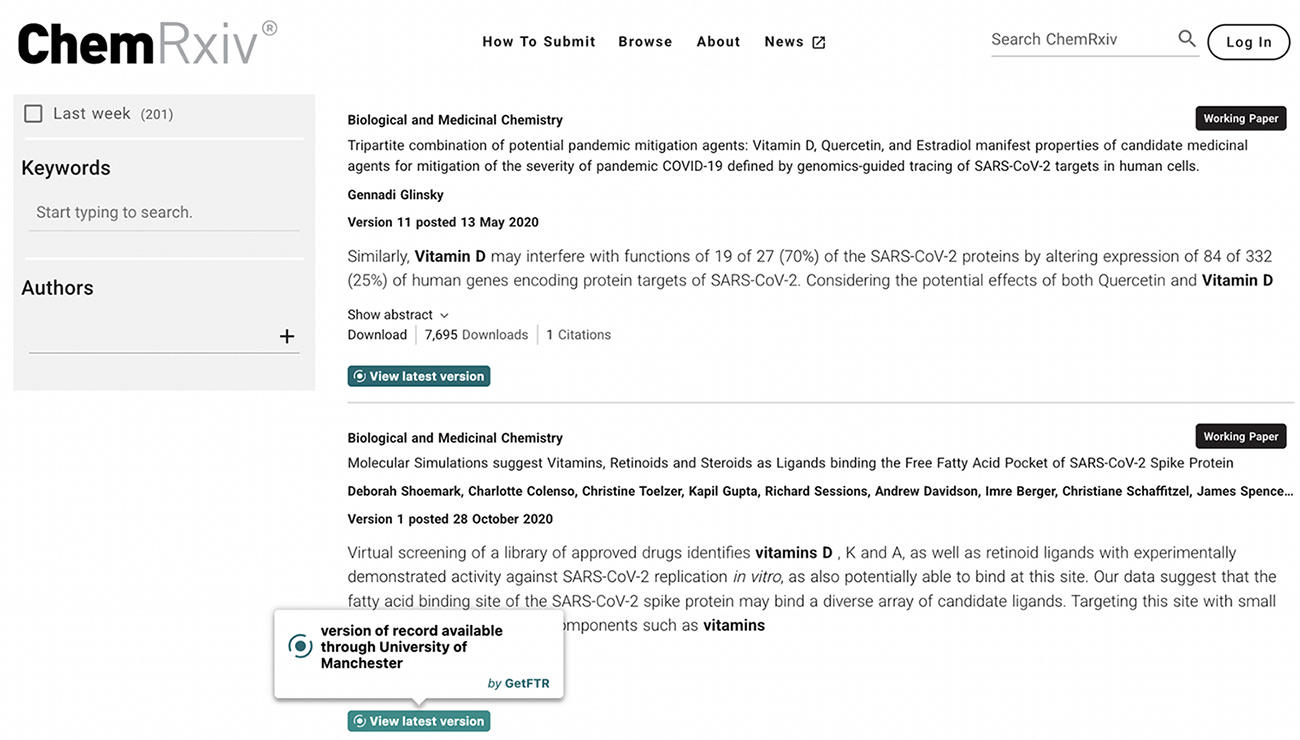
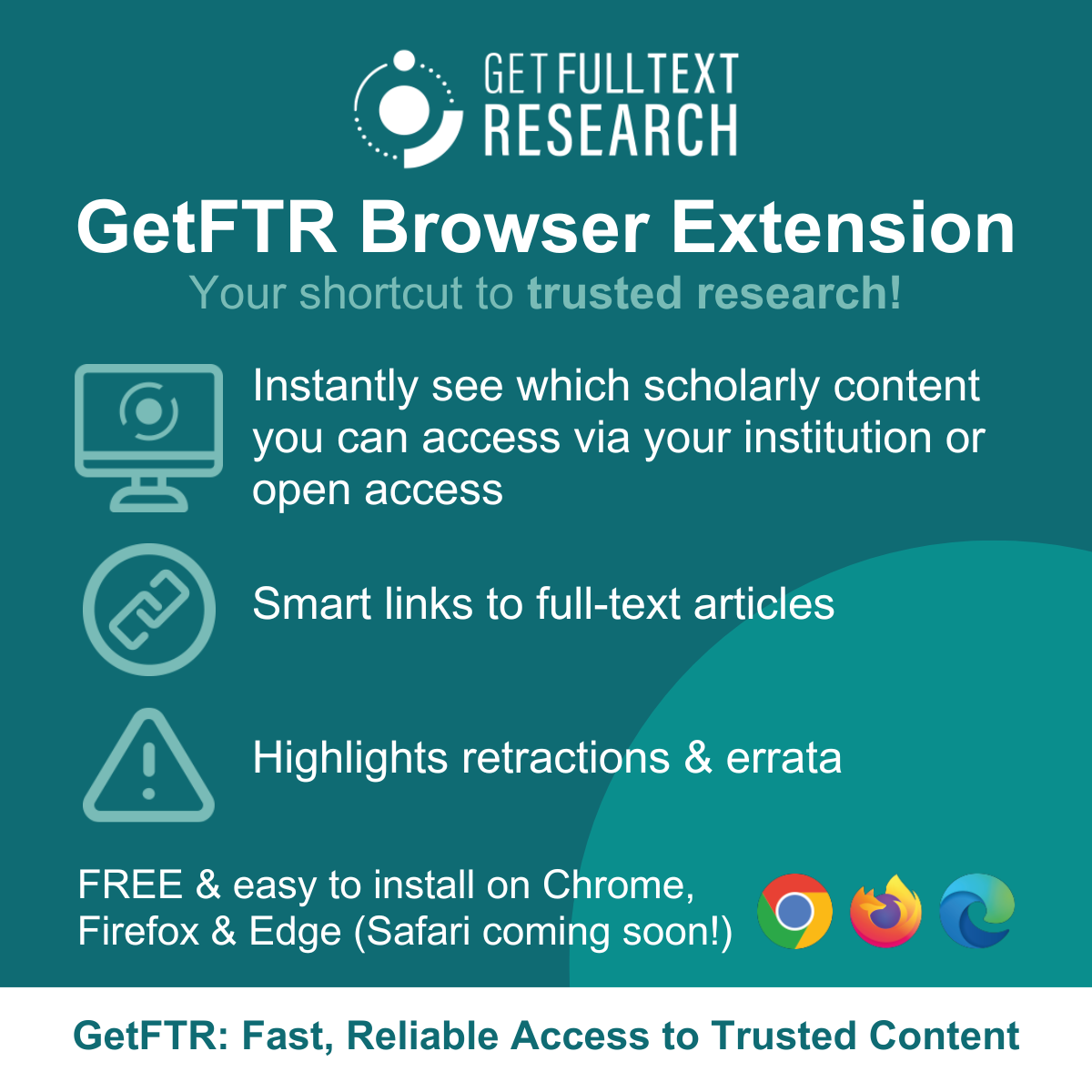
The free GetFTR Browser Extension highlights what you can access, surfaces updates and retractions, and takes you straight to the trusted version of record.

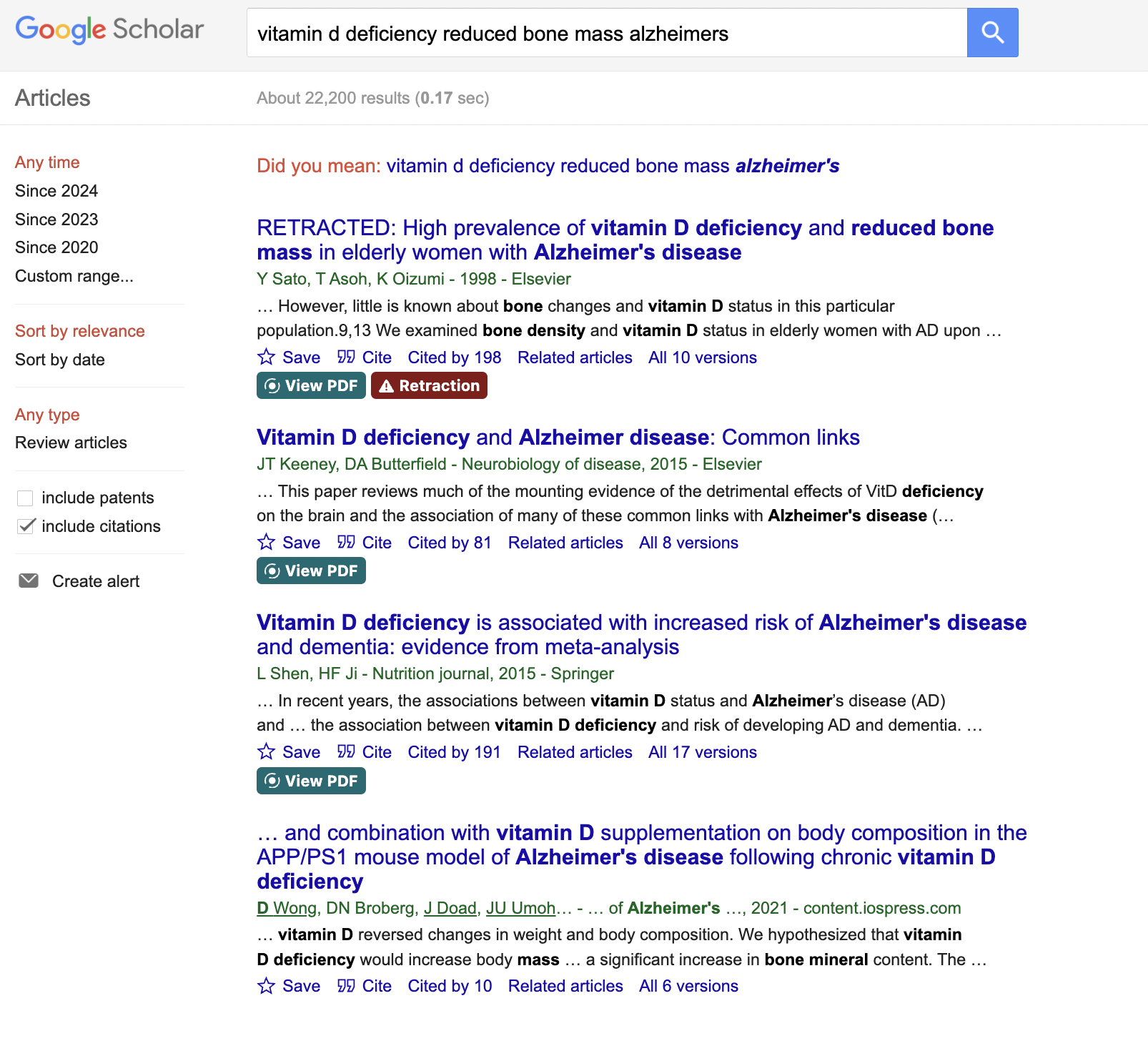
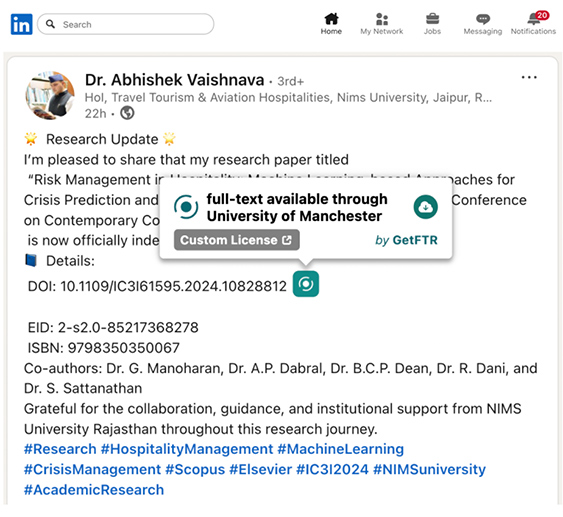
Signals access status:

Shows when you’re entitled to read scholarly content through your institutional subscriptions or open access

Adds smart links:

Takes you directly to the trusted version of record, no unnecessary logins, redirects or paywalls

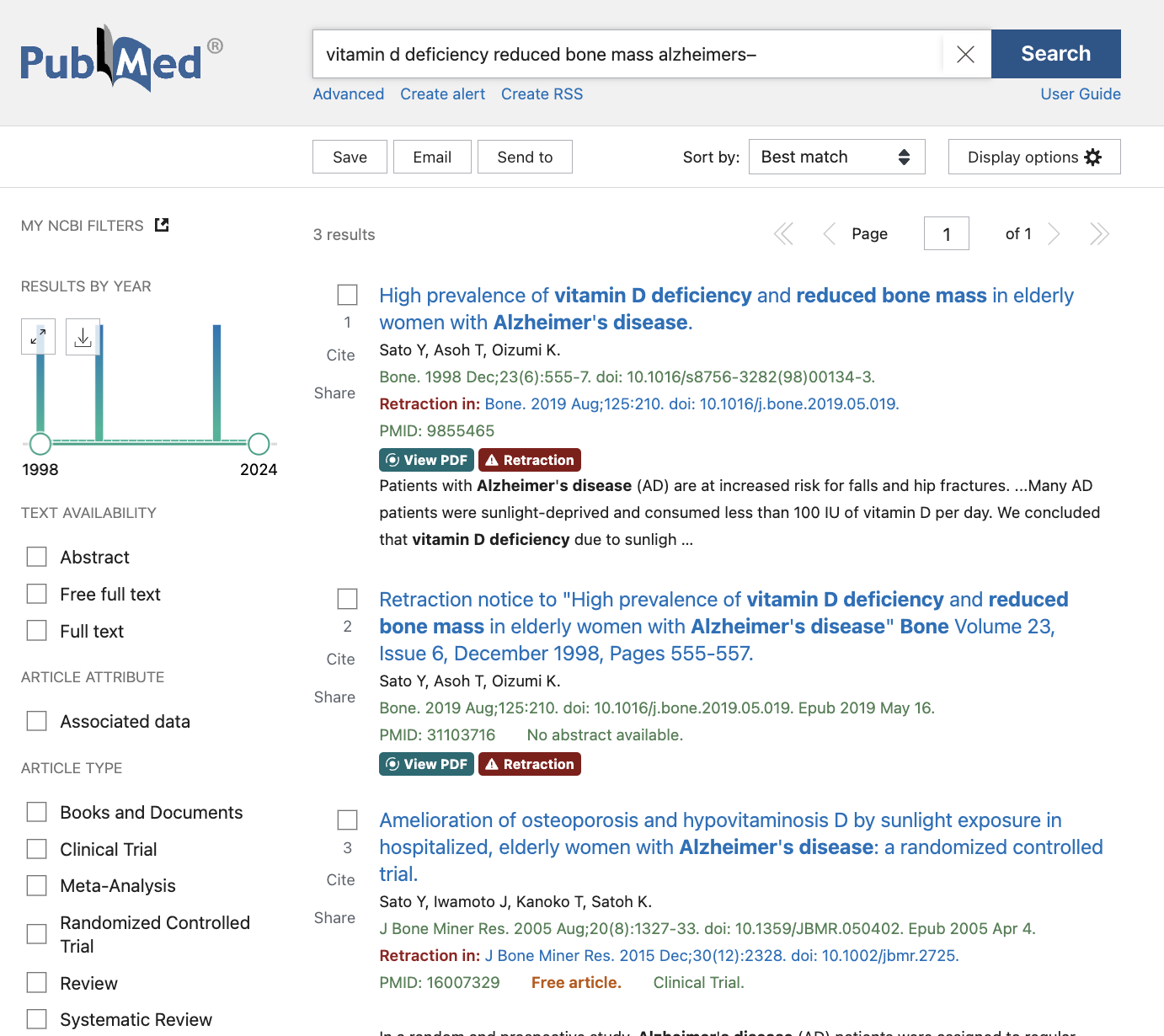
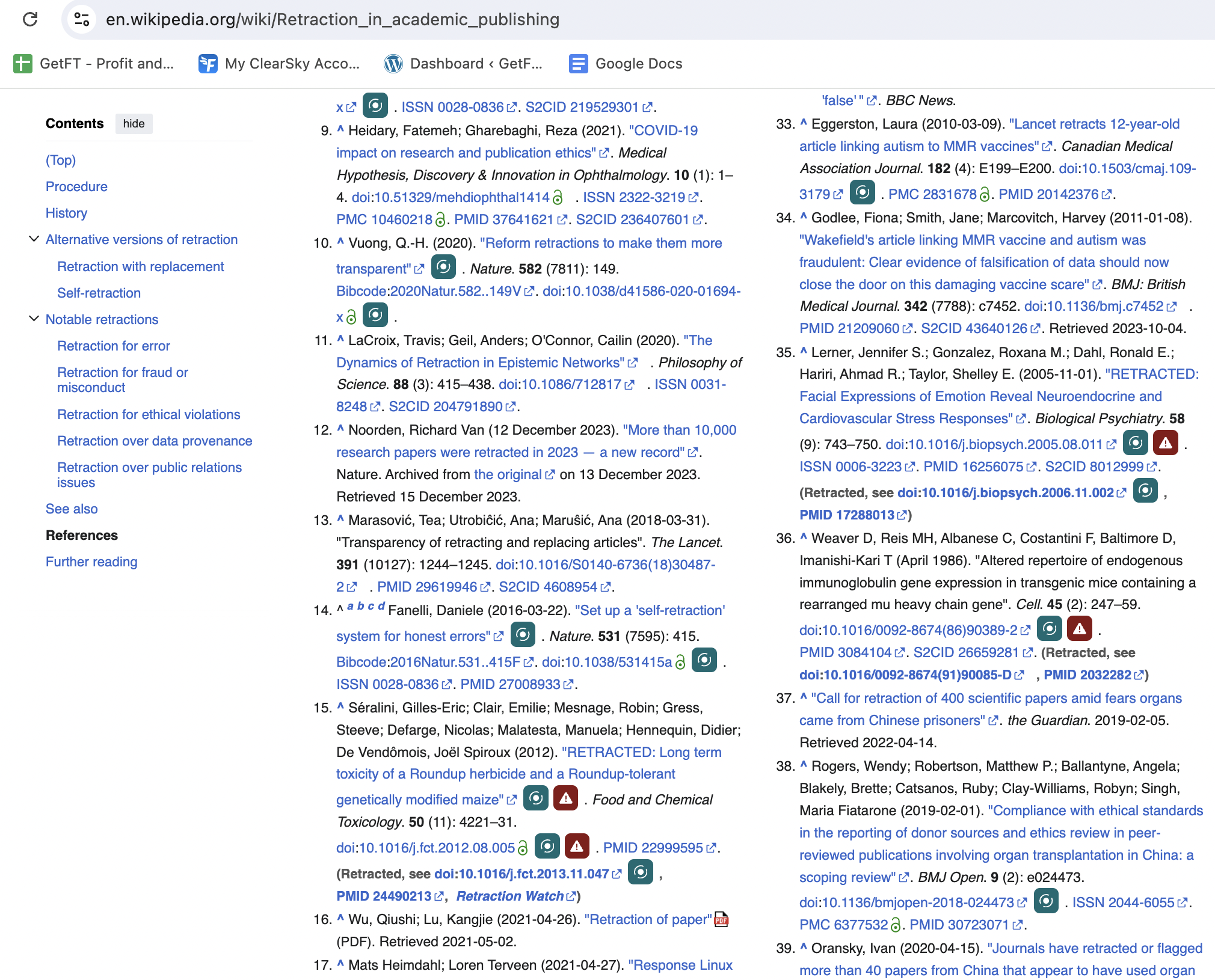
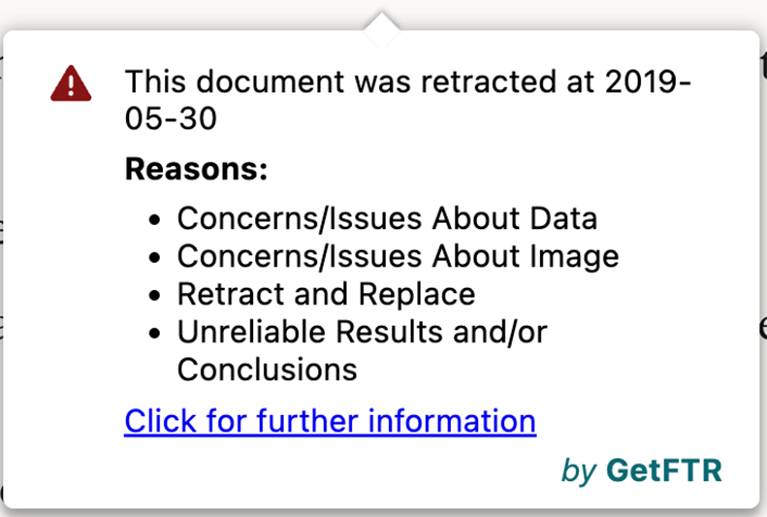
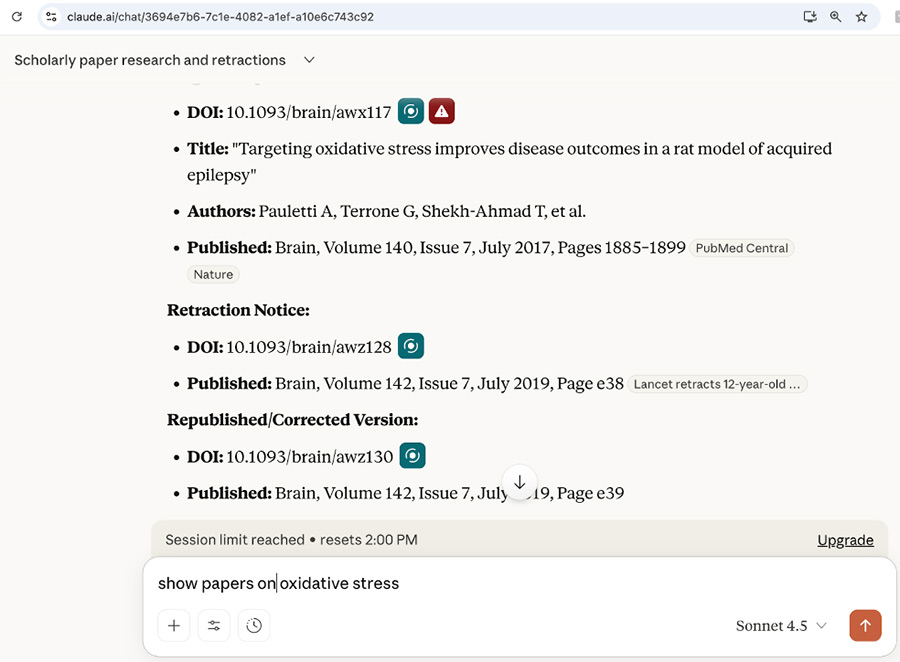
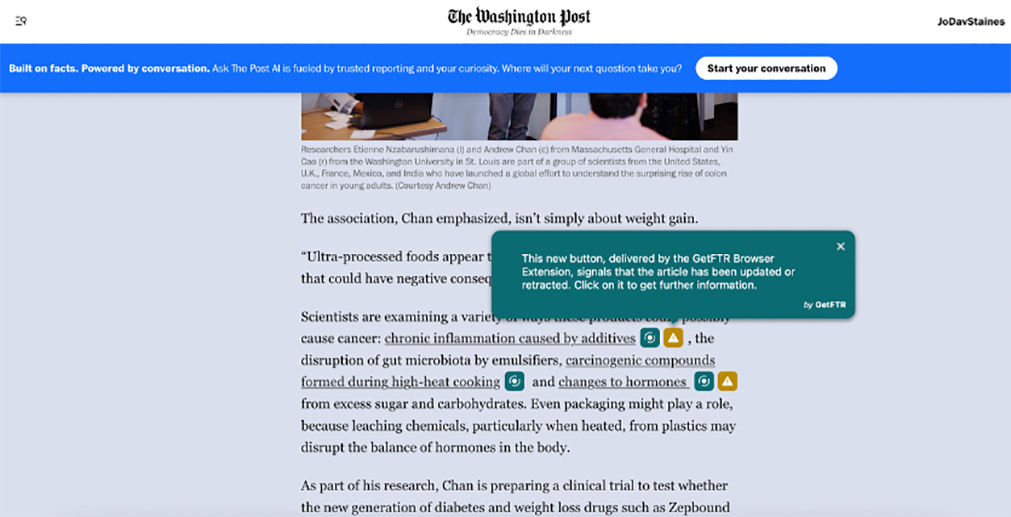
Highlights retraction and updates:

Displays retraction, correction, or errata information at the point of discovery. Includes a timeline view so you can see all changes in one place

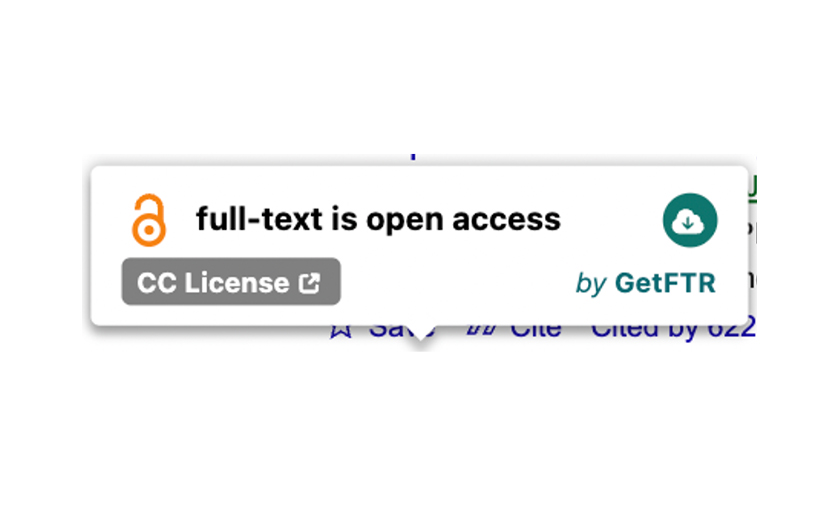
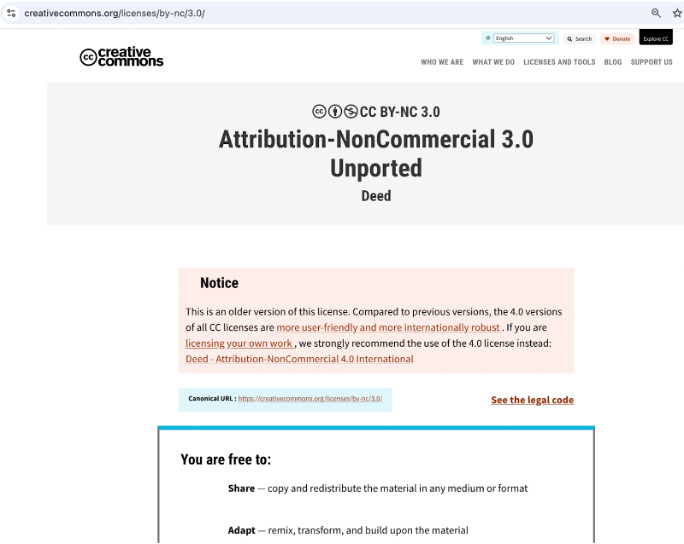
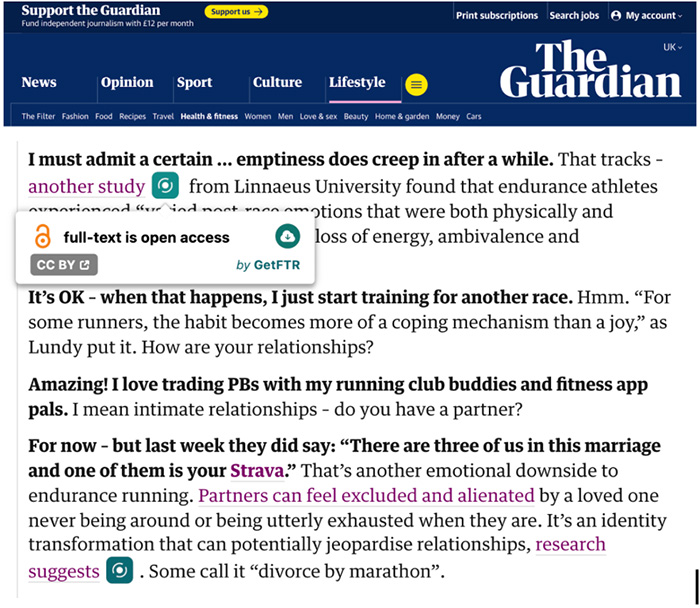
Shows license information:

Hover to see licence status and click through to Creative Commons or publisher pages for reuse rights

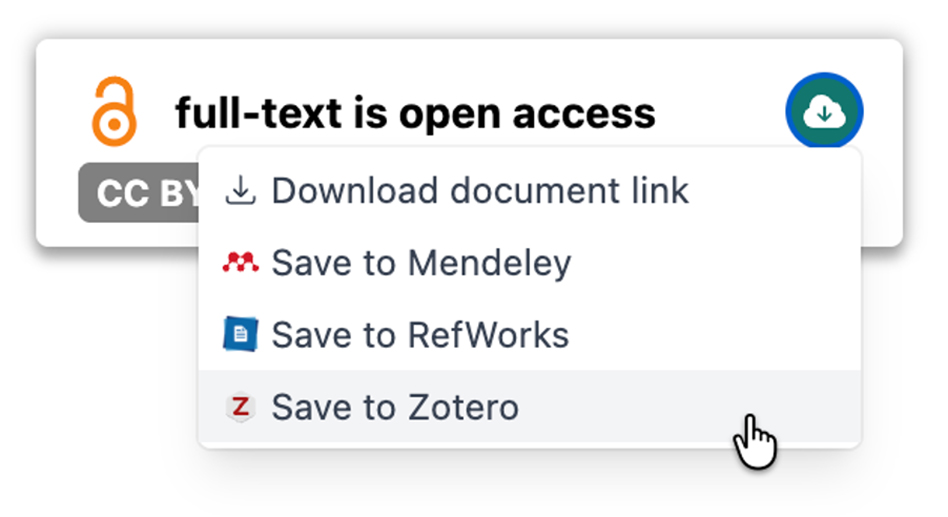
Saves citations:

Download citations directly to Mendeley, Zotero, RefWorks and other reference managers

Download the GetFTR browser extension

Once installed, it works:

On all websites including:

  • Search engines
  • Social media
  • News articles
  • Reference sites
  • Library discovery systems
  • AI tools such as Claude, ChatGPT and more
  • Any page referencing academic content (using DOIs or metadata)

On preprint servers, links preprints to their published version of record using title, date, and author data including:

  • org
  • io
  • arXiv
  • ChemRxiv
  • BioRxiv
  • SSRN
  • TechRXiv
  • (and more coming soon)

The Browser Extension is free to install and use and works with Chrome, Firefox, and Edge (Safari in development).

Benefits of the GetFTR Browser Extension

The browser extension benefits all those involved with the creation, dissemination, discovery, and use of academic literature, supporting streamlined access to content and upholding research integrity:

For Researchers

  • Fast, streamlined access to the version of record
  • Transparency about retractions and updates
  • Licence clarity
  • Easy reference management
  • Take a minute to install, then works wherever you already discover content

For Librarians

  • Confident users are accessing accurate versions of content


  • Supports subscription usage
  • Hover state shows institutional entitlement
  • Helps reduce confusion and support tickets

For Publishers

  • Demonstrates commitment to research integrity
  • Drives usage of the authoritative version on publisher sites
  • Helps ensure researchers find the correct, updated content
  • Reduces reliance on untrusted, outdated, or pirated versions

Resources

We have developed the following resources to help the community share the message about GetFTR and encourage their customers, patrons and peers to download the browser to ensure researchers are taken to the latest version.

  • Video demonstrating how it works with AI tools, including flagging entitlements, retractions, update, license information and download to reference manager
  • Flyer – for researchers summarising how GetFTR works and why they should download the Browser Extention
  • Promotional copy for publishers – downloads suggested email, newsletter and social media copy
  • Promotional copy for librarians – downloads suggested email, newsletter and social media copy
  • Banner ads – downloads a zip file with standard size images to create ads for your website
  • How to install – short video showing how easy it is to install
  • LinkedIn and X: social media creatives

What the research community says…..

“GetFTR buttons on Google Scholar and PubMed work very well.”
Researcher

“This is so cool! I just pulled up Google Scholar to test this out, and I love that it mentions if it’s open access or subscription!!!”
Researcher

“I think about how our users tend to use Google Scholar and PubMed to find articles, and I thought it was very useful seeing the little button pop up to indicate it’s already accessible to me through our institution!”
Librarian

“This is very exciting news”
Librarian

“Onboarding was very clear, and intuitive.”
Publisher

“I like the extension. Good job!”
Publisher

“It works well and the results appeared accurate to me”
Publisher

We would love to hear what people think of the extension, or if you have any suggestions for improvements. If so, please get in touch!

The GetFTR browser extension works with Chrome, Firefox and Edge (Safari in development) and can be installed for free from the following:

Participating Partners